How to Add B-Roll to Podcast Clips (2026 Guide)
A podcast clip is one or two faces talking for sixty seconds. That's its strength — people follow people — and its weakness: nothing on screen changes, and in a feed built on movement, a static frame quietly bleeds viewers even when the words are good.
B-roll — short cutaway footage laid over the speech — is the standard fix, and the most misused one. This is a guide to when it actually helps, when it makes a clip worse, and how to add it without spending an evening on stock sites.
What b-roll does for a talking-head clip
- It's a pattern interrupt. A visual change a few seconds in re-grabs attention exactly when a viewer's thumb starts drifting.
- It shows what the words describe. When the speaker says "we were packing boxes in a garage," footage of that beats a face saying it.
- It hides cuts. If you've removed silence or trimmed a sentence, a cutaway placed over the seam makes the edit invisible.
Where it goes wrong
The failure mode is b-roll as decoration: generic footage looping over the whole clip because "clips need b-roll." Viewers can tell footage-that-matches from footage-that-fills, and the second kind reads as spam — it's the visual equivalent of a stock photo handshake.
The rules that separate the two:
- Match the phrase, not the topic. Cut to city traffic when the speaker says "stuck in traffic" — not because the episode is about commuting.
- A couple of seconds is enough. The interrupt does its job fast; a ten-second stock stretch disconnects the viewer from the person they came to watch.
- Payoffs happen on camera. Setup and description can carry b-roll. The punchline, the number, the confession — those belong on the speaker's face.
- Some clips need none. Strong delivery plus good captions is already a complete clip. B-roll is for the flat stretches, not a checkbox.
The manual version, and why it doesn't survive contact with a weekly schedule
By hand, each overlay is: think of a search term, hunt a stock library, download, drop it on the timeline, trim to the right words, add a fade. Call it five to ten minutes per overlay — half an hour per clip, times ten clips per episode. It's the kind of polish that gets done for launch week and quietly abandoned by episode four.
Doing it from the transcript
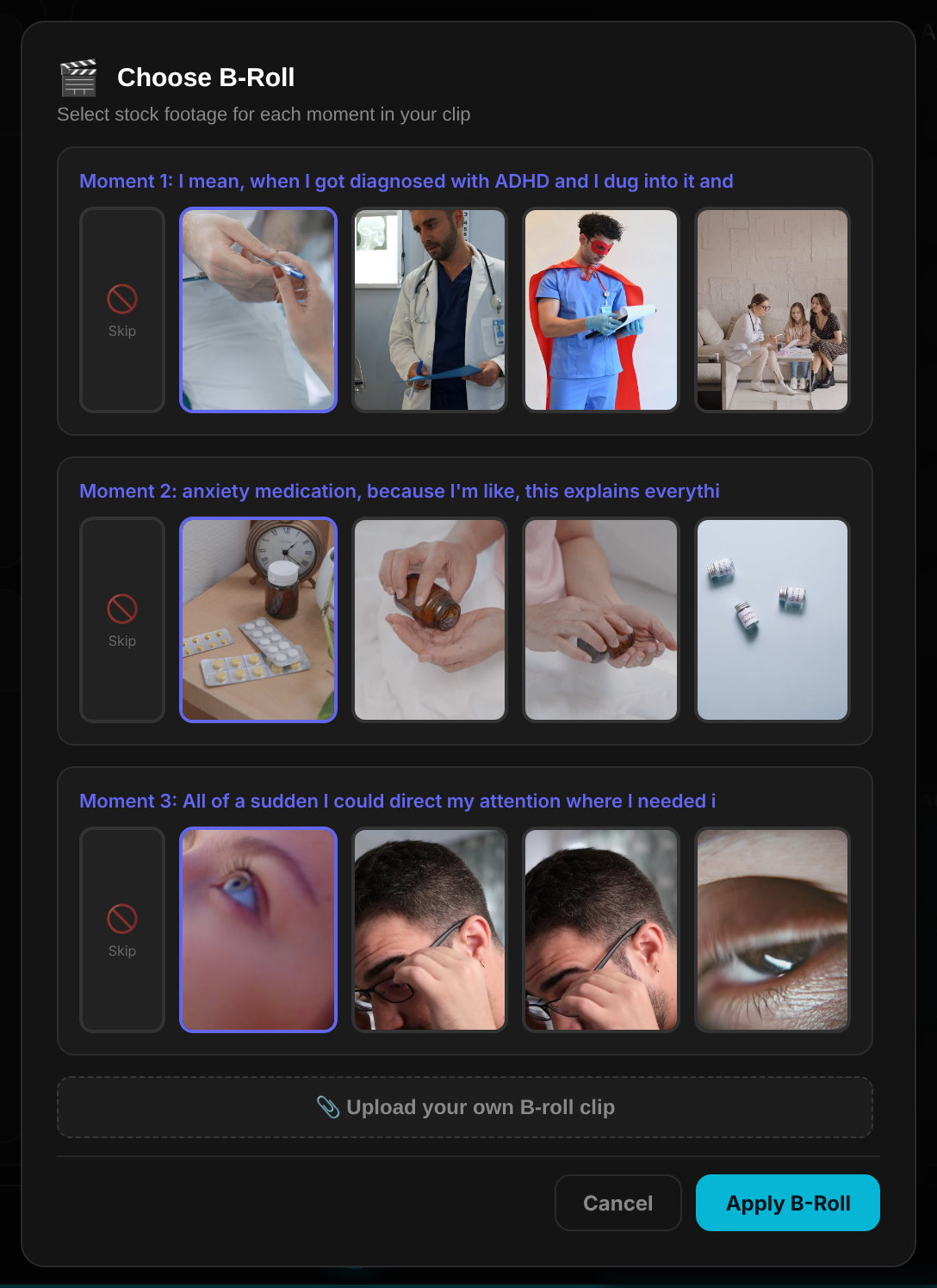
In SocialClip Studio b-roll starts from the words instead of a search box. Highlight a phrase in the clip's transcript and it pulls licensed stock candidates matched to that phrase — you pick one and it's placed over those exact words, timed to them, with fades. There's also an AI mode that proposes the moments and footage itself, and you can upload your own b-roll when the real footage exists. Either way the overlay lands on the phrase it illustrates, which is the rule that matters most. B-roll is a Pro feature.
Make your talking-head clips move
Highlight a phrase, pick the footage, done. Flat rate, no credits.
Try SocialClip Studio